
Conversation Hand-off
OpenDialog now allows you to set up a seamless handover to other systems from within your conversational application.
Where to find
Section titled “Where to find”Conversation Handoff allows you to set up an integration with an external messaging system, for example, Chatwoot. You can therefore find it under the Integrate section of a specific scenario. Once you select ‘Create a new Handoff’ you will then have the opportunity to create the Handoff of your choice. Select Chatwoot to start setting up your Chatwoot integration.
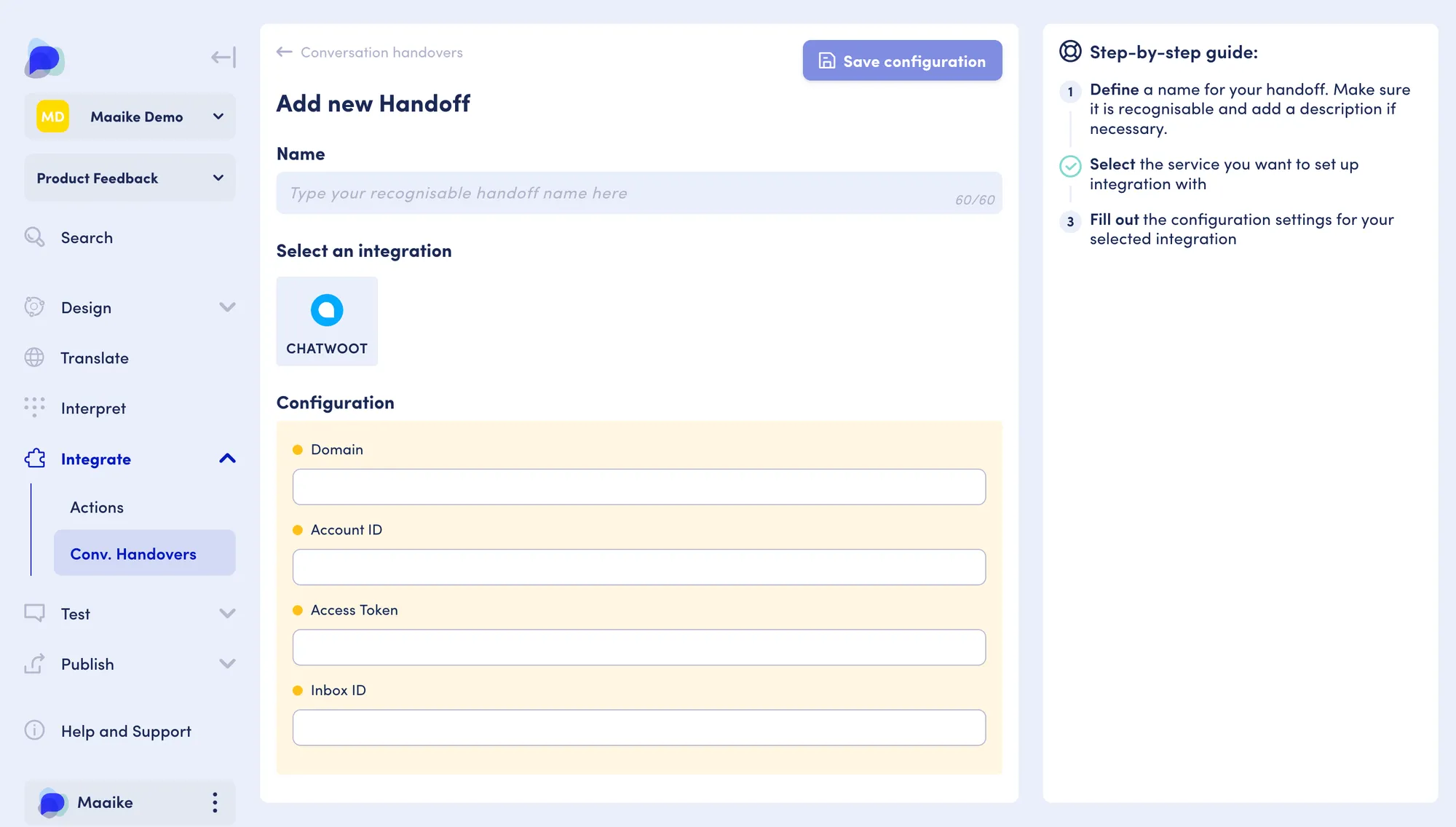
To access the Integrate feature for a given scenario in your workspace:
- Go to your workspace overview (Scenarios)
- Select the scenario for which you would like to set up a conversation hand-off
- Use the left-hand menu and find the Integrate section right under the Interpret section
- Expand the Integrate section to visualize the two options: Actions and Conversation Handovers.
- Select Conv. Handovers